

Mycal
Staff member
It's been a long time. Odyssey has been rebuilt from the ground up, and version 13 is getting close. Here's a first look at what's coming.
Everything shown here is still in progress and may change before release.
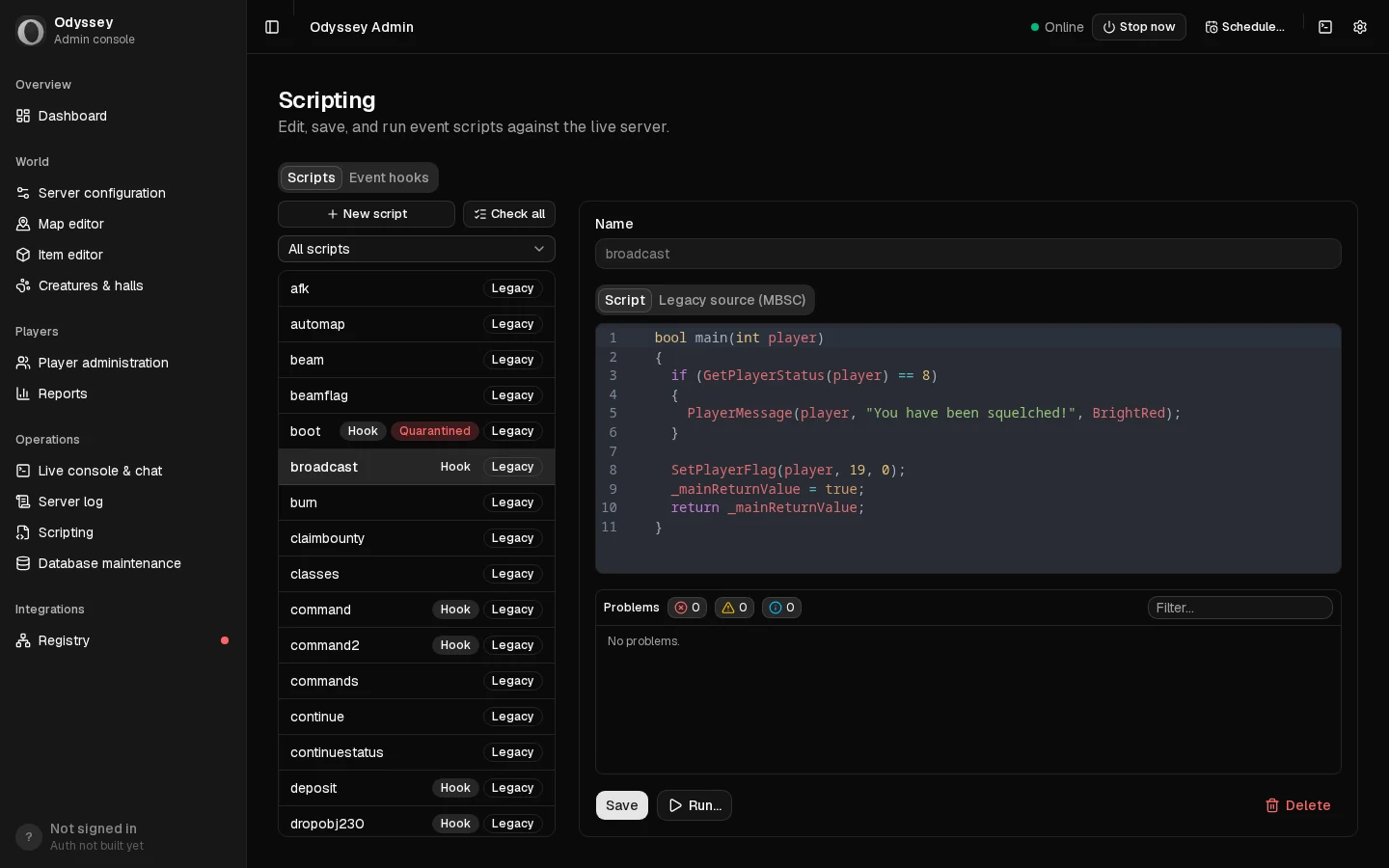
Scripting has moved from MBSC to C#. Your existing scripts are converted automatically, and the script editor checks every script before it runs.
Bringing an existing server across will be as simple as uploading it on odyonline.com and getting back one ready for version 13: maps, items, monsters, characters, guilds and scripts included.
Originally posted on odyonline.com.
Everything shown here is still in progress and may change before release.
The game you remember
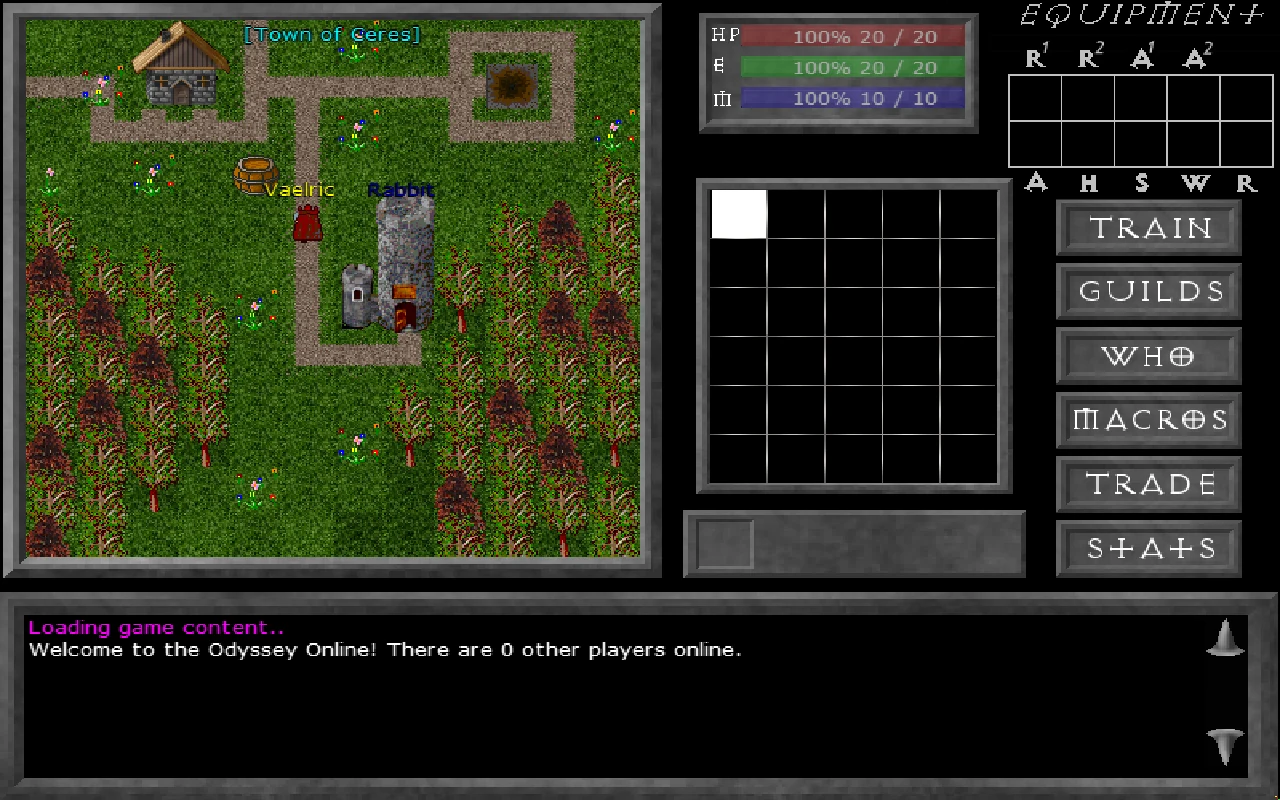
Version 13 is meant to be a faithful(ish) port: the world, the HUD and the way it plays are Odyssey as you know it, with a few long-standing bugs fixed along the way. The bigger new features come after 13 is out; getting the game you remember running on a modern foundation comes first.
Finding a server
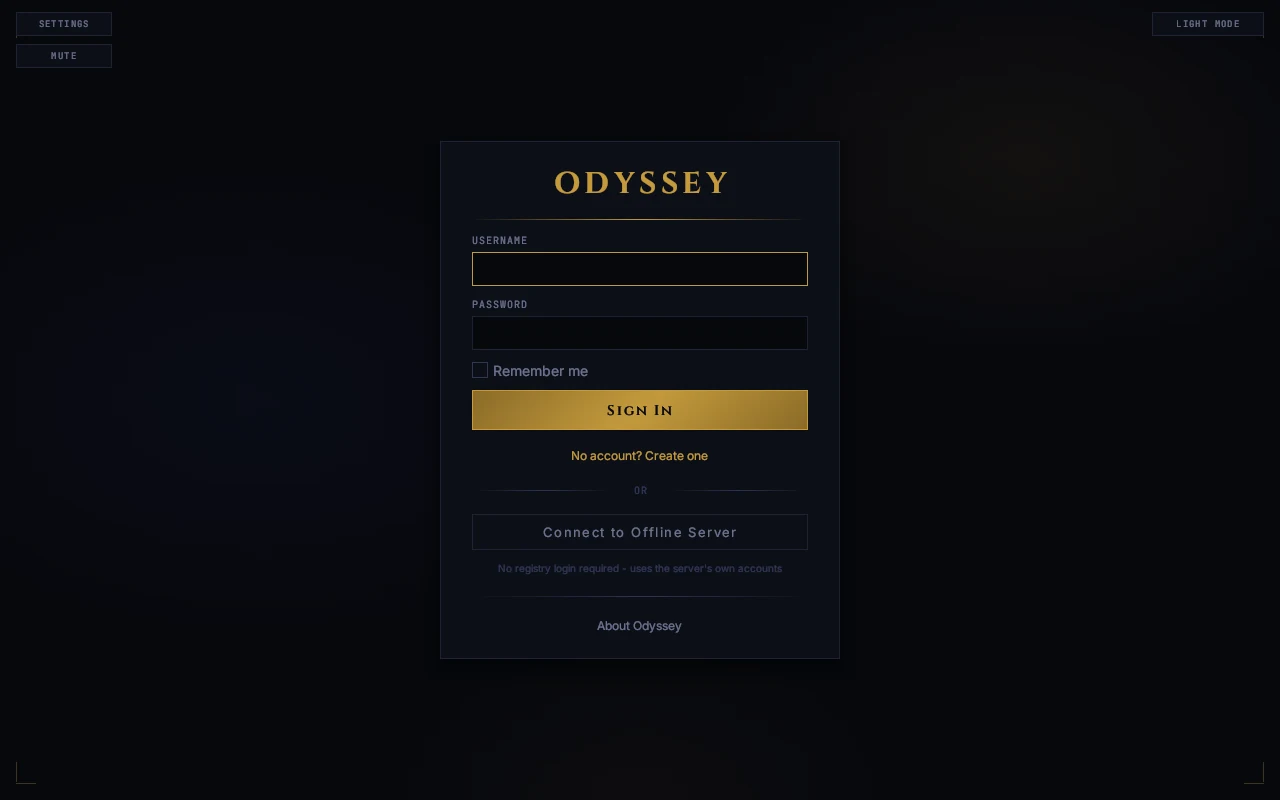
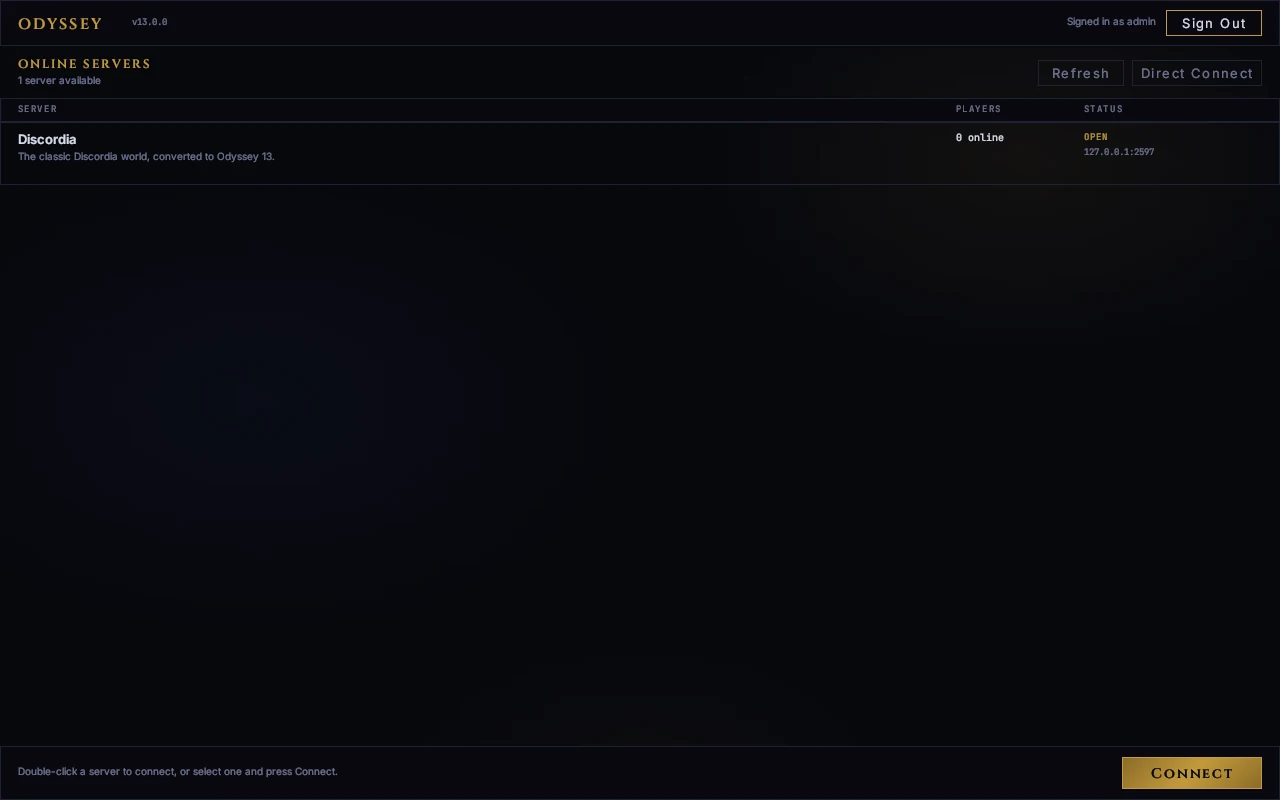
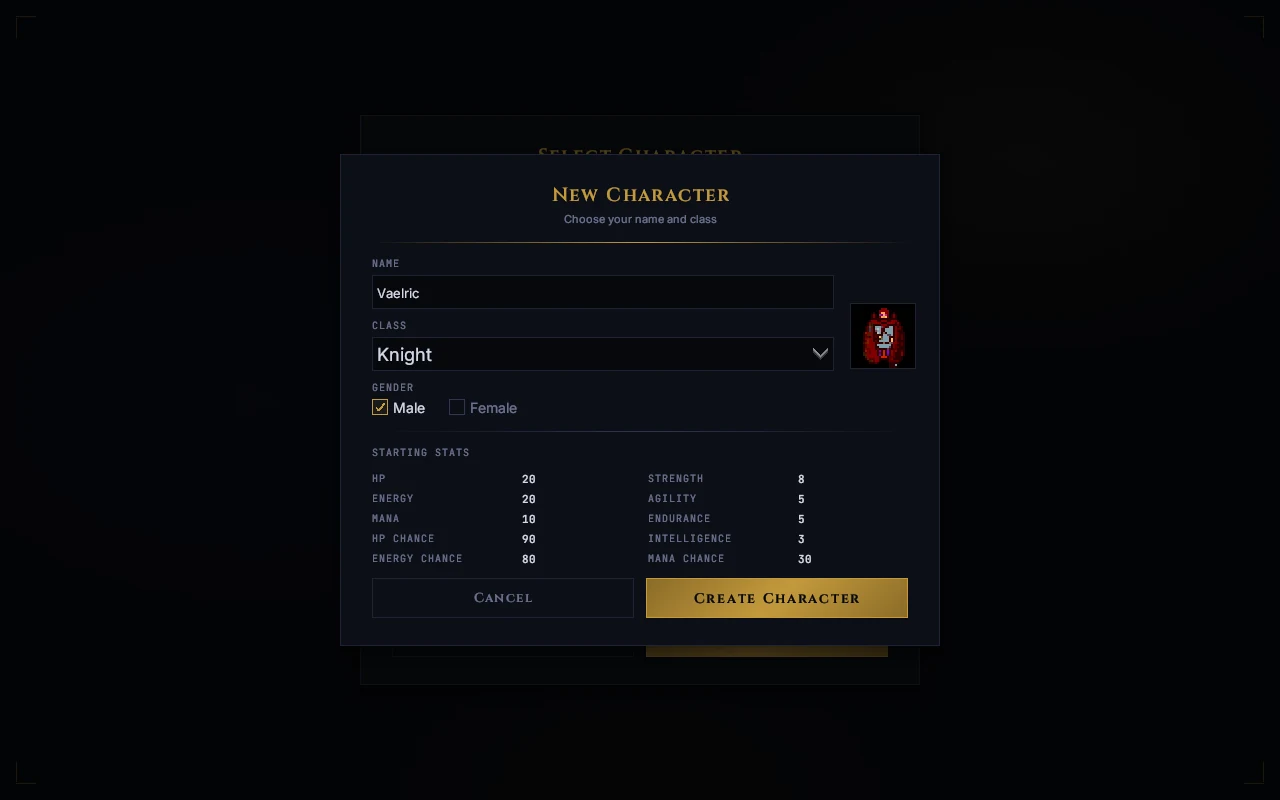
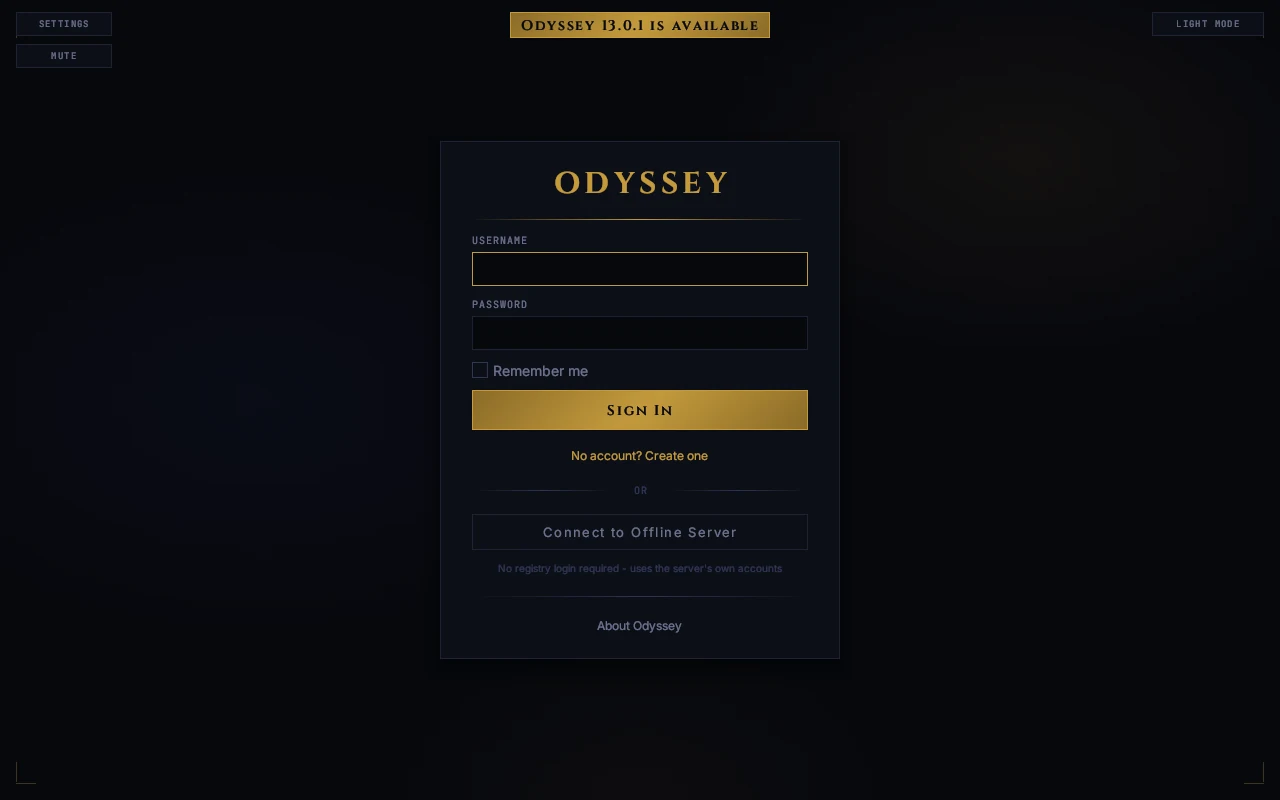
Sign in with your Odyssey account and the server registry is right there: every public server, who's on it, and whether it's open. Double-click to join. You can still connect straight to a server by its address, and create an account on that server itself, as before.
Servers bring their own look
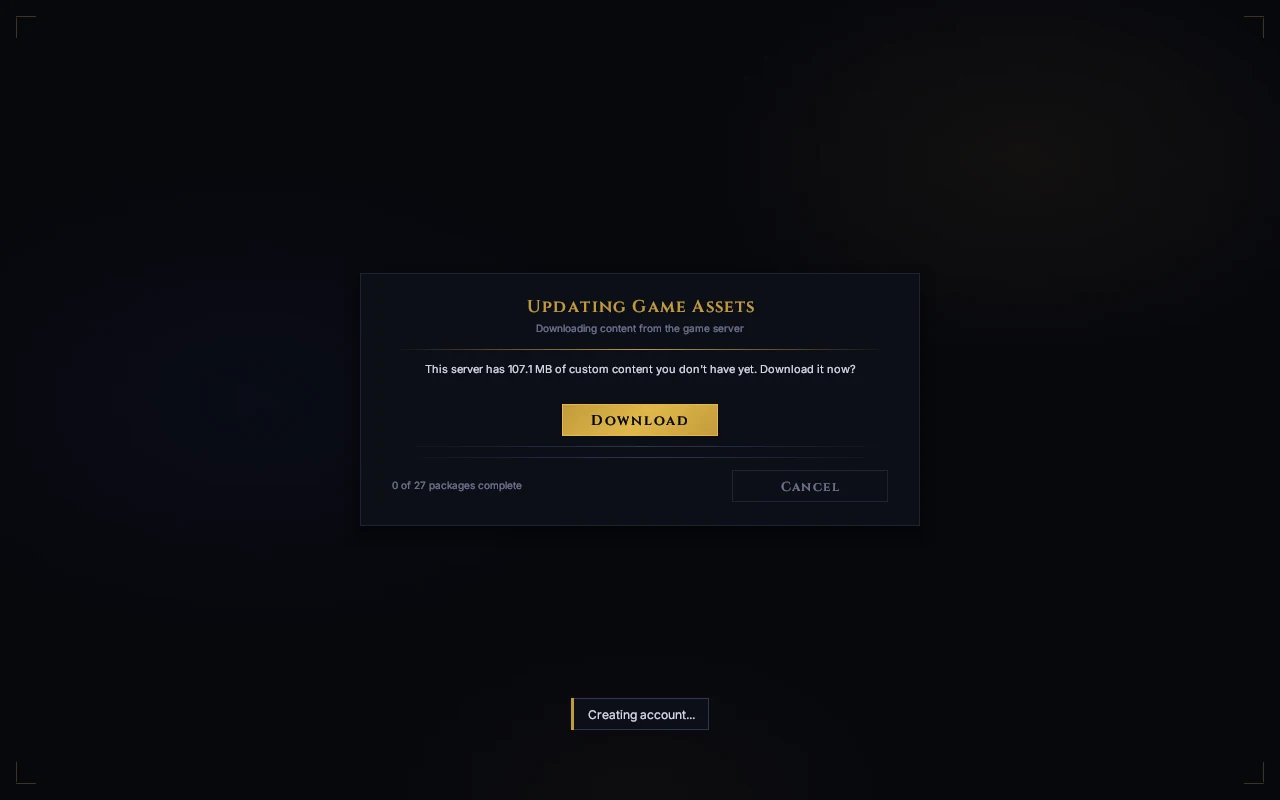
A server's own art, sounds and music download the first time you join it, so a custom world just works. No separate downloads, no patching by hand.
The client keeps itself up to date
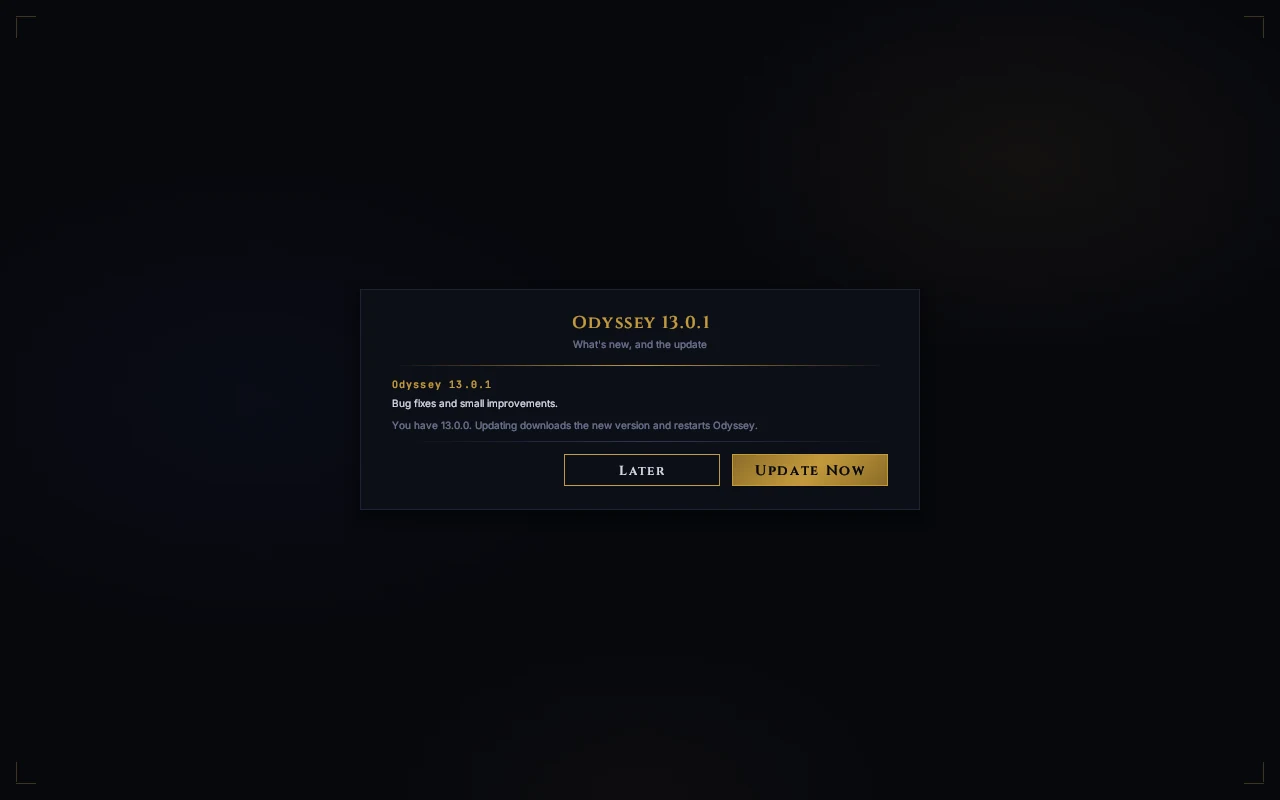
When a new version is out, the game tells you when it starts, shows you what changed, and installs it with one click. If a server needs a newer client than yours, it says so and offers the update.
Your keys, your way
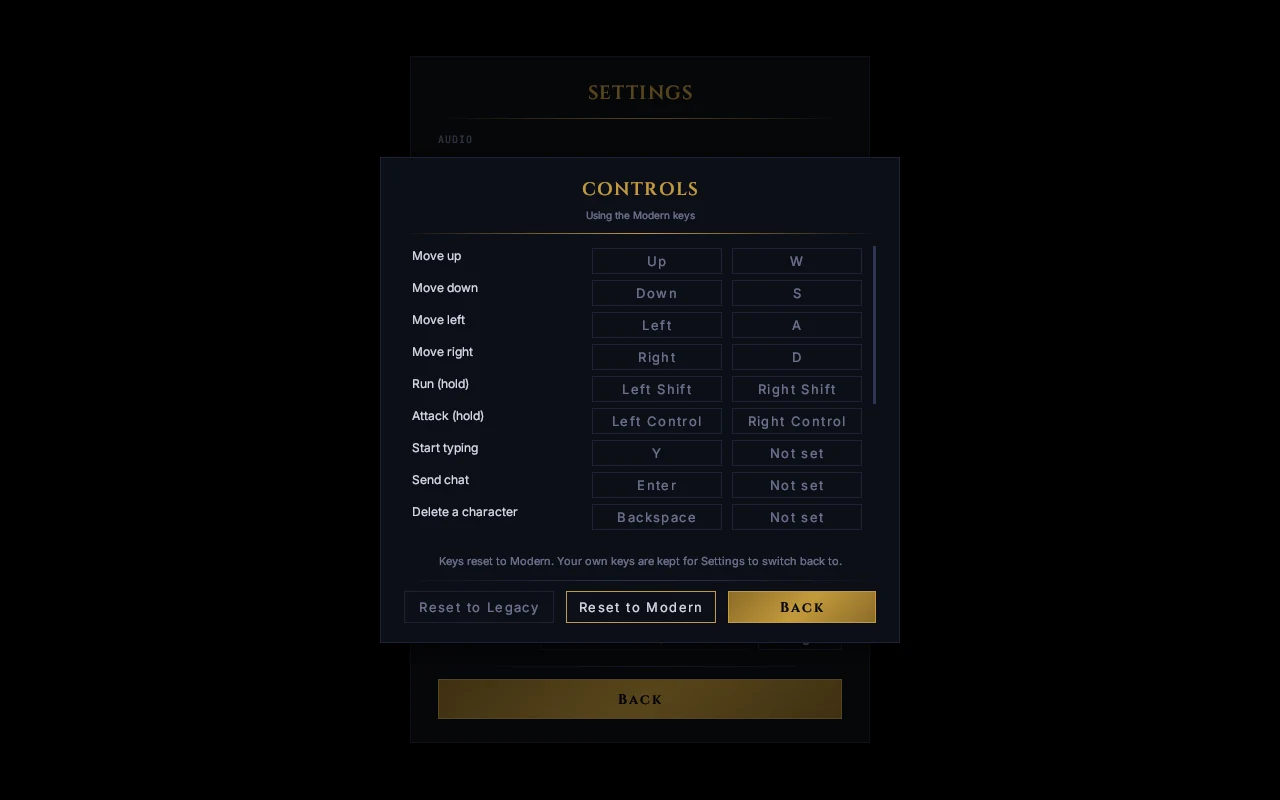
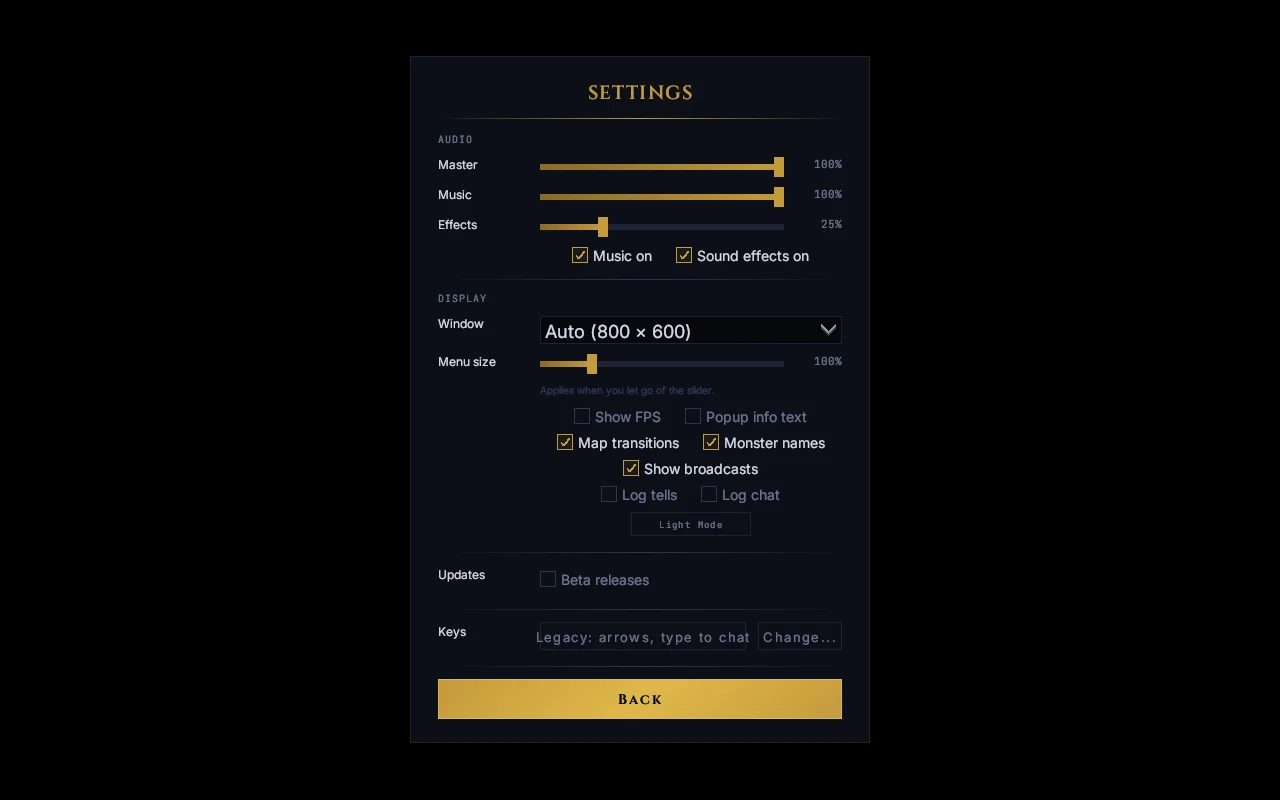
Play with the classic keys exactly as they were, or switch to a modern layout (WASD to move, a key to start typing) with one click. Every key can be rebound, and your own setup is kept if you switch between the two.
For server owners
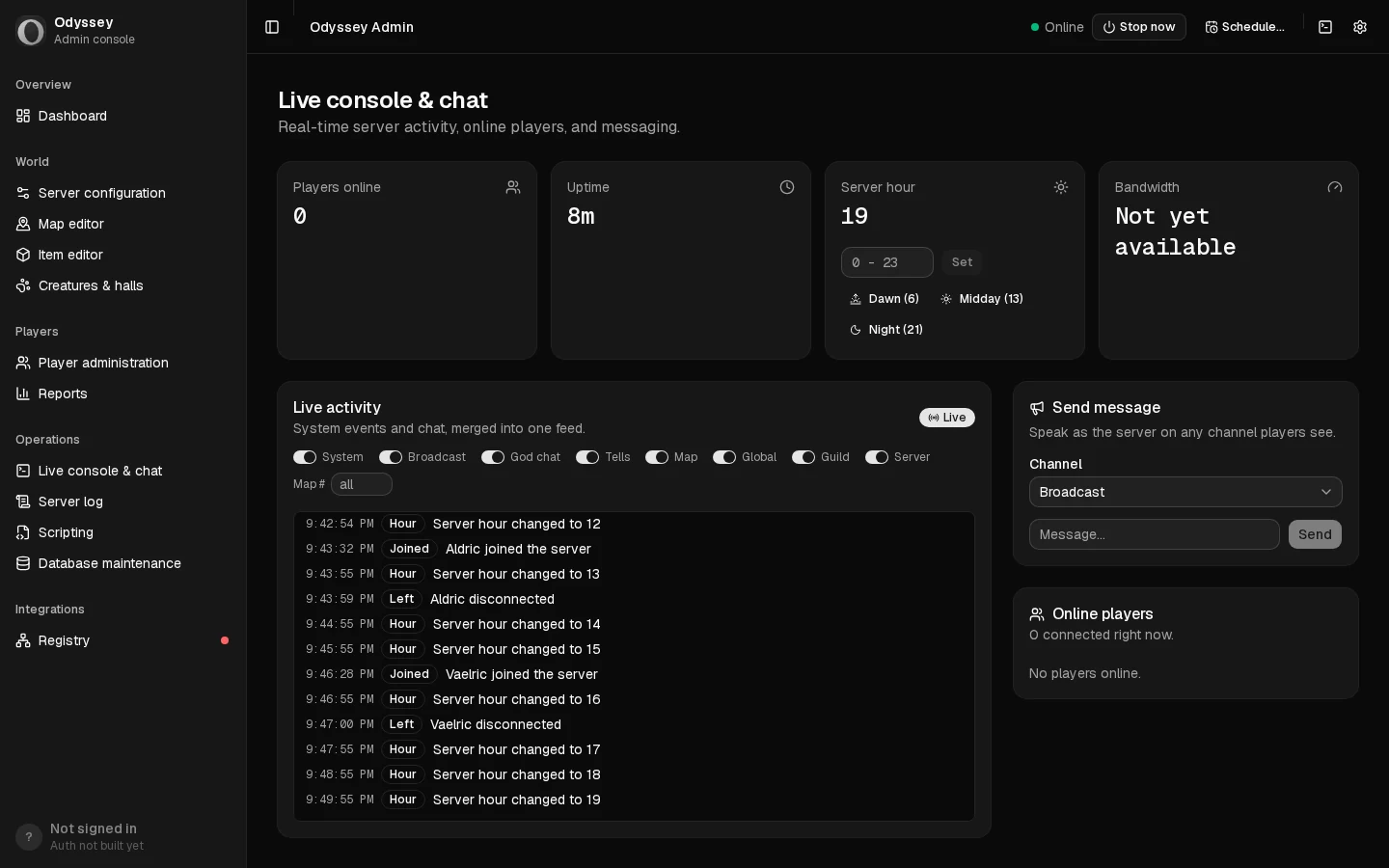
Running a server gets a proper admin console: server settings, player administration, and a live console and chat where you can talk to players as the server.
Scripting has moved from MBSC to C#. Your existing scripts are converted automatically, and the script editor checks every script before it runs.
Bringing an existing server across will be as simple as uploading it on odyonline.com and getting back one ready for version 13: maps, items, monsters, characters, guilds and scripts included.
When?
Not quite yet. Accounts and the server registry open with the release, and we'll post here when they do.Originally posted on odyonline.com.
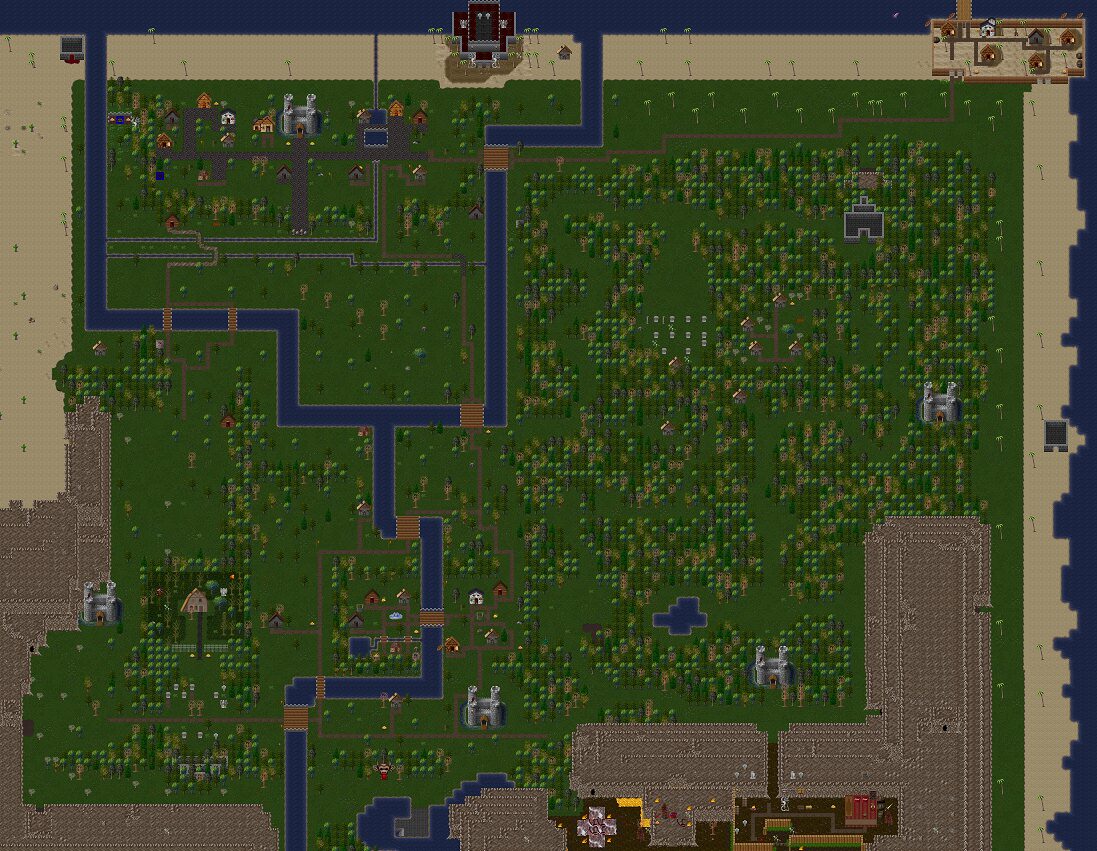

 . I developed primarily on linux and macos. Server will be pushed into the various linux package repositories and runs fully headless. The server ui admin console replaces the old UI the server had.